Step 1: Scan
Scan meals your way
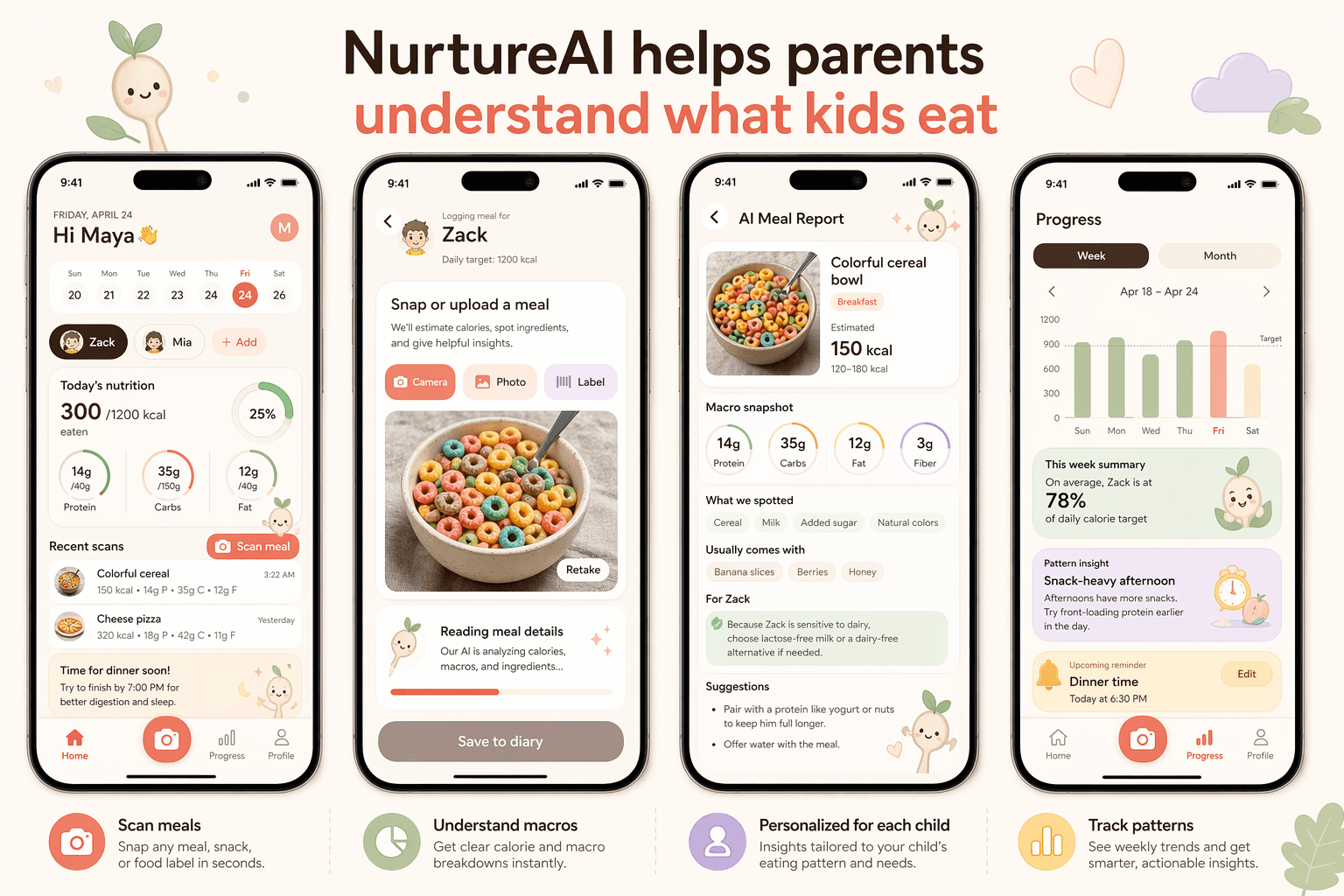
Use camera food scan, barcode scan, or food label scan to quickly understand what your child is eating.
Built into the app
NurtureAI: Kids Nutrition helps parents quickly understand what their child is eating, estimated calories and macros, and daily nutrition patterns with less guesswork.
3 ways
camera, barcode, and label scans
Per child
profiles with goals and eating patterns
Day by day
daily summaries, recent scans, and history
Friday, April 24
Today's nutrition
300/1200 kcal
eaten
Protein
Carbs
Fat
Colorful cereal
150 kcal • 14g P • 35g C • 12g FCheese pizza
320 kcal • 18g P • 42g C • 11g FTime for dinner soon!
Try to finish by 7:00 PM for better digestion and sleep.
How it works
Start with a scan, add child context, and use daily tracking to understand patterns with less guesswork.
Step 1: Scan
Use camera food scan, barcode scan, or food label scan to quickly understand what your child is eating.
Step 2: Personalize
Set up per-child profiles, goals, and eating patterns like selective eating, texture issues, or a small appetite for more useful AI guidance.
Step 3: Track
See daily summaries, recent scans, historical logs, and better meal-time reminders that help you stay consistent.
A clearer daily rhythm
For parents
NurtureAI gives parents estimated nutrition, practical meal notes, and child-aware context without making medical claims or pretending to know everything.
Mom of a picky eater
“The food scan gives me estimated calories and macros fast, and the child profile makes the notes feel much more useful.”
Dad planning school lunches
“Barcode scan and label scan are great when I am packing snacks. I can check what my son is eating without guessing.”
First-time mom
“I like that it is practical. It helps me see patterns across the day instead of obsessing over one meal.”
Get started
Scan meals, track your kids' nutrition, and see daily food patterns with less guesswork.